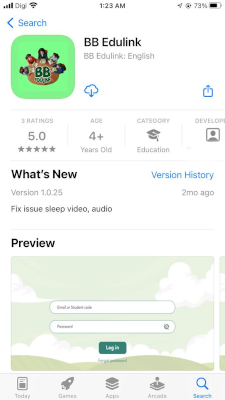

Scan the QR code
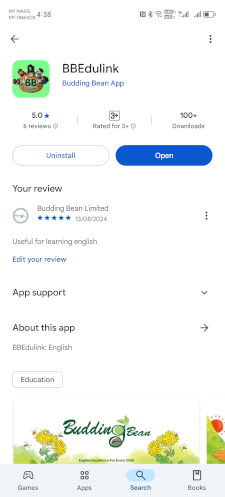
Scan the QR code to download
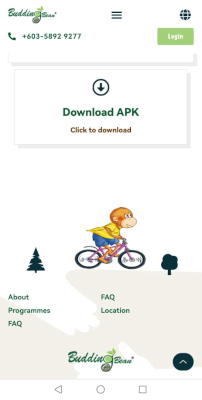
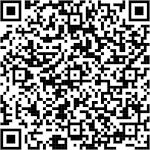
Scan the QR code to download
| Platform | Download Link (Click the image) | QR Code |
|---|---|---|
| Apple Store |
|
Scan the QR code |
| Google Play Store |
|
Scan the QR code to download |
| Budding Bean Official Website |
|
Scan the QR code to download |
How to download the "BB Edulink" App to your iPhone or iPad.
Click the link below to watch or ask your school or teacher for help:
Watch Video
How to download the "BB Edulink" App for your Android device.
Click the link below to watch or ask your school or teacher for help:
Watch Video
How to download the "BB Edulink" App for your Android device. Mainly for the device that do not have IOS Play Store and Google PlayStore
Click the link below to watch or ask your school or teacher for help:
Watch Video
There are various ways to connect your smartphone to a Smart TV, including HDMI cables or wireless methods such as Miracast and Chromecast. First, ensure device compatibility, then follow the setup instructions provided by your TV and phone. You can refer to [this guide] for detailed steps.
Click the link below
Watch Video
Please ensure your device runs Android 12.0 or higher, or iOS 15.0 or higher, for proper functionality.
Dear users, thank you for choosing Budding Bean English Course!
All content of Budding Bean English Course, including but not limited to **textbooks, videos, audio, images, and applications (App)**, is protected by **international copyright and patent laws**. Any unauthorized reproduction, distribution, modification, or commercial use is **illegal**.
✅ For personal or authorized use only
⚠️ Legal Consequences of Copyright Infringement:
📩 How to Report Infringement?
If you find unauthorized distribution or sale of Budding Bean English Course content, please contact us:
📩 Report Email: information@buddingbean.com